FormatNew#1
The ‘My day in 10 seconds’ format
Short videos that tell the story of a whole day in 10 seconds with quick cuts.




7 creators · 5 in the last 7 days×3,4 vs. normal
Describe what you're looking for in your own words. StatsBase searches creators on Instagram and TikTok by real engagement, audience and what their content actually says, then puts the best names, rising trends and deep insights in front of you. The whole process, from brief to invoice, in one panel with your assistant.
Search by concepts instead of scrolling long lists sorted by follower count. Everything said in videos, written on screen, shown in images and mentioned in captions is searchable; the creator who covers the most of what you're looking for comes out on top.
StatsBase catches the sounds, challenges, catchphrases and formats that are starting to spread among creators in Türkiye. See on a single card how many creators each trend has reached, how many times above normal it is and who's using it, then jump into your campaign in one click.


Short videos that tell the story of a whole day in 10 seconds with quick cuts.
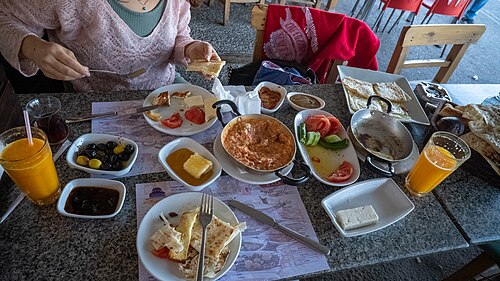
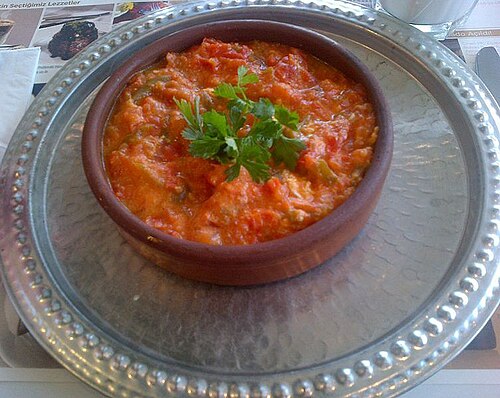
Weekend breakfasts and table settings built around seasonal produce.

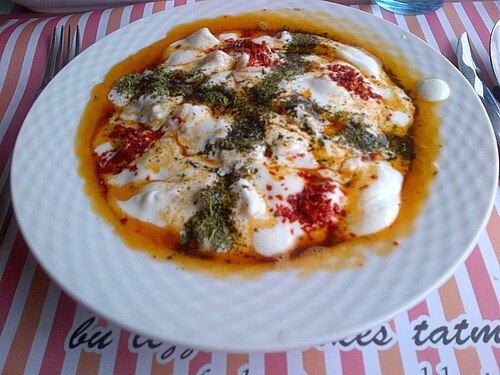
A confession-style opening line that sparks curiosity in the very first second.

A calm yet upbeat background track used in recipe videos.


For every profile we measure real engagement, who the audience is and what the content is about. We also show what each number is based on, so you make the right call with the right data.
The comparison page highlights the leader on every metric: engagement, views, audience fit, branded content performance and brief fit. It then sums up your decision in a one-line insight, so it's easy to explain to the brand why you're recommending that name.
Same data, three different needs. Pick your role and see what StatsBase makes easier for you.
See the media kit you'll show brands, how well you fit a brief and the trends rising in your niche, all in one place. Build your quote on numbers, not guesses.
See your profileTurn your profile into a one-page summary: organic and branded engagement, audience, top content. Pick a theme and share it with a link.
Add the brand's brief to see your fit score and the reasons behind it, then shape your quote accordingly.
Catch the sounds, formats and topics spreading in your category early, and plan your content calendar around them.
Check your script against the brief's criteria and, with the suggested fixes, send the brand a script that gets approved the first time.
See the creators who best fit your brief, with the reasons why, and follow every step, the budget and the results of your campaign from one screen.
Set up your first campaignAdd your brief and creators whose audience, tone and content fit are ranked with a 0–10 score and a one-line reason.
Line up the suggested names on the comparison page and see who leads on every metric.
See the creator's recent collaborations, how their audience reacts and how close they come to the topics your brief rules out.
Your campaign budgets come together on your brand page, and the report builds itself once the content goes live.
Every step from brief to invoice is connected: fewer spreadsheets, fewer emails, faster presentations, and it's always clear who's on what.
Get started with your teamUpload the brief and pick your candidates; a presentation in your team's theme is ready, with a link that always shows the latest version.
Brands and campaigns are shared or assigned to a person. With a task board, calendar and notifications, nothing gets stuck with anyone.
Add StatsBase Notes to your meeting invite and the summary, decisions and to-dos go straight into your campaign.
Quotes with VAT and withholding calculated from the net fee, plus invoice and payment tracking; for monthly retainers, a new period opens in one click.
Every process starts with a campaign. StatsBase shows you the next step, shares the work across your team and prepares the documents, presentations and calculations each stage needs.
PDF, Word, slides or plain text. Campaign goal, key message, target audience, tone, things to avoid and budget are filled in automatically; you're only asked about what's missing.
Every candidate gets a 0–10 Brief Fit score and a one-line reason. The score weighs target audience, tone and things to avoid together; add the ones you like to your shortlist.
Cover, ideas, candidate cards and profile summaries, ready in your team's theme. Edit every text, image and number; present full screen or share a link that always shows the latest version.
Drag candidates from stage to stage. Enter the net fee and the amount with VAT and withholding is calculated; an accepted offer moves the candidate to the “Agreed” stage automatically.
The script a creator sends is reviewed against 12 criteria, and an AI-corrected version is suggested. What's said in the videos and shown as on-screen text is compared with the brief; the revision note copies in one click.
Results from published content turn into a report. Collections from the brand, payments to creators, invoices and documents are all tracked by status; for monthly retainers, a new period opens in one click.
The assistant knows your brands, campaigns, documents, lists, trends and invoices. It turns what you write into changes in the panel, and nothing changes until you approve it.
From meetings to lists, tasks to notifications: everything that drives a campaign is connected.
Add notlar@statsbase.org to your meeting invite. StatsBase Notes joins the meeting, and the summary, decisions and to-dos land in your campaign along with who said what.
Every number comes with what it's based on. When the rules change, the whole catalog is recalculated, so old and new data never mix.
Filter the featured lists, build your own lists and saved filters, and share them with your team.
Brands and campaigns are shared or assigned to a person. A task board, calendar and due dates make it clear who's on what.
Get notified when an account you suggested has been scanned, when work is assigned to you or when a payment is late.
When you open a profile on Instagram or TikTok, the same insights are right there in your browser: real engagement, Deep Analysis and brief fit. Your Dashboard lists and campaigns come along too.
Sign in to the Dashboard, add your brand, create your first campaign and start searching.